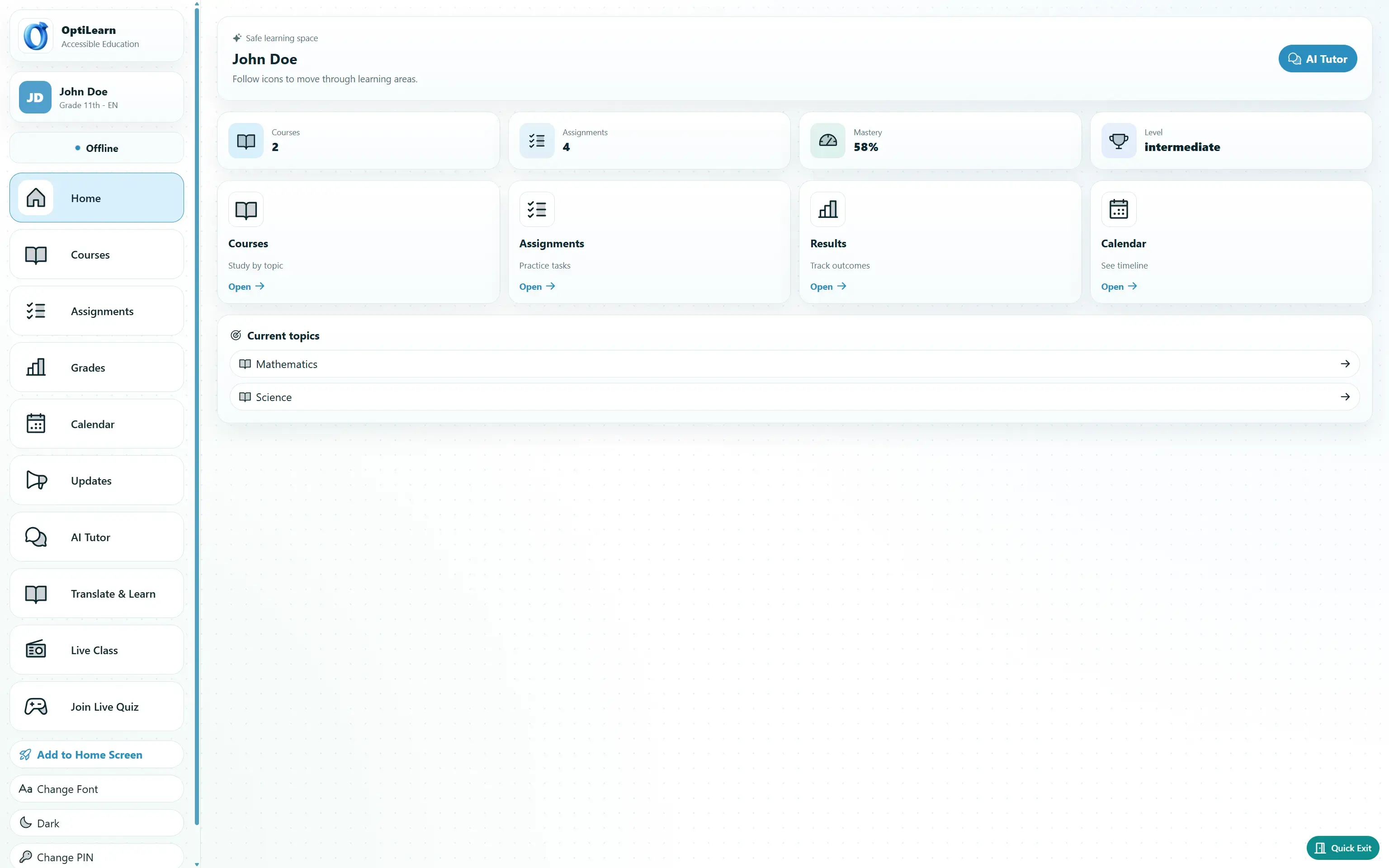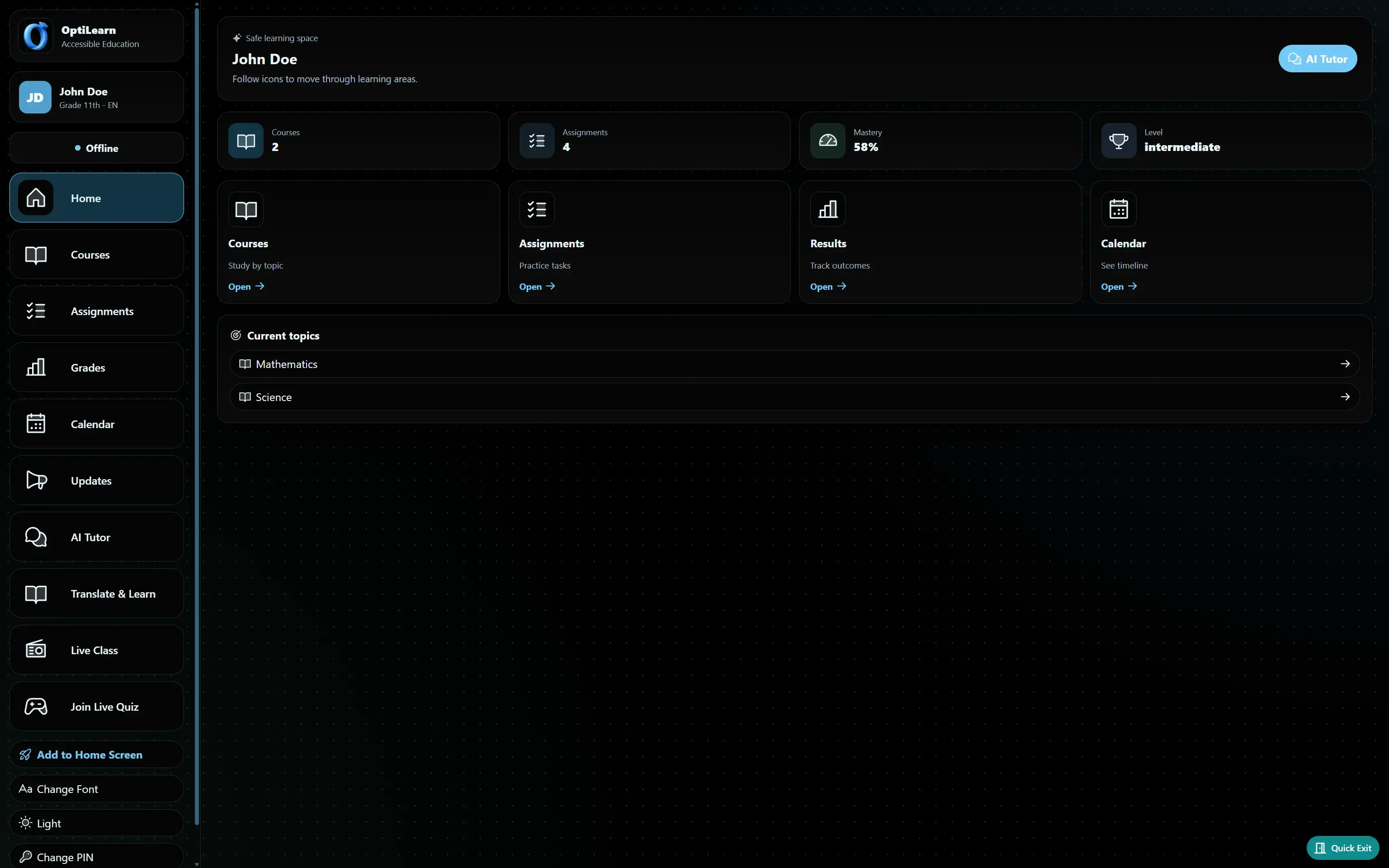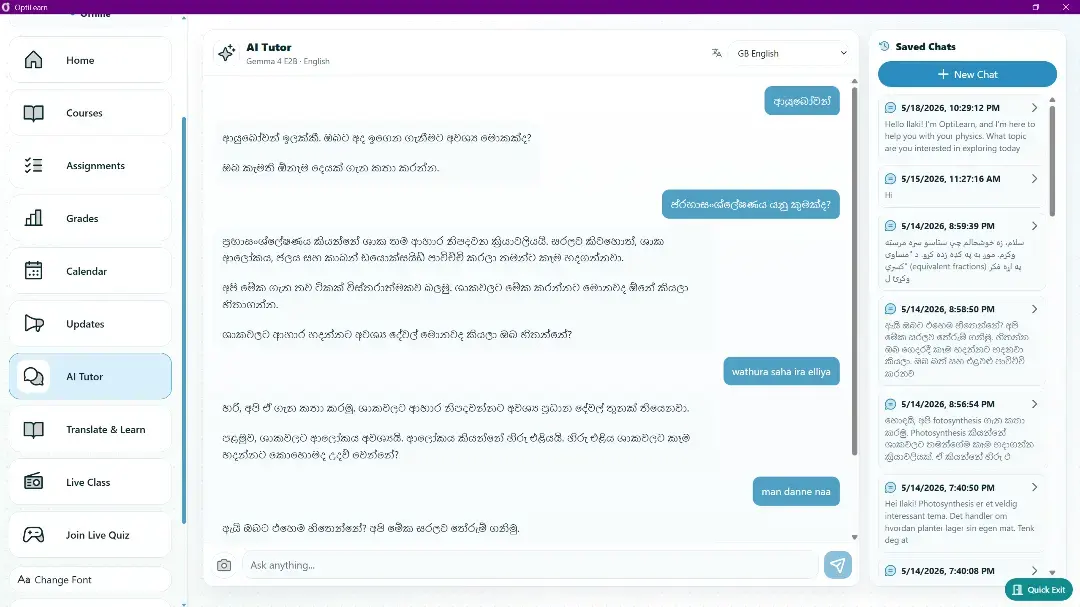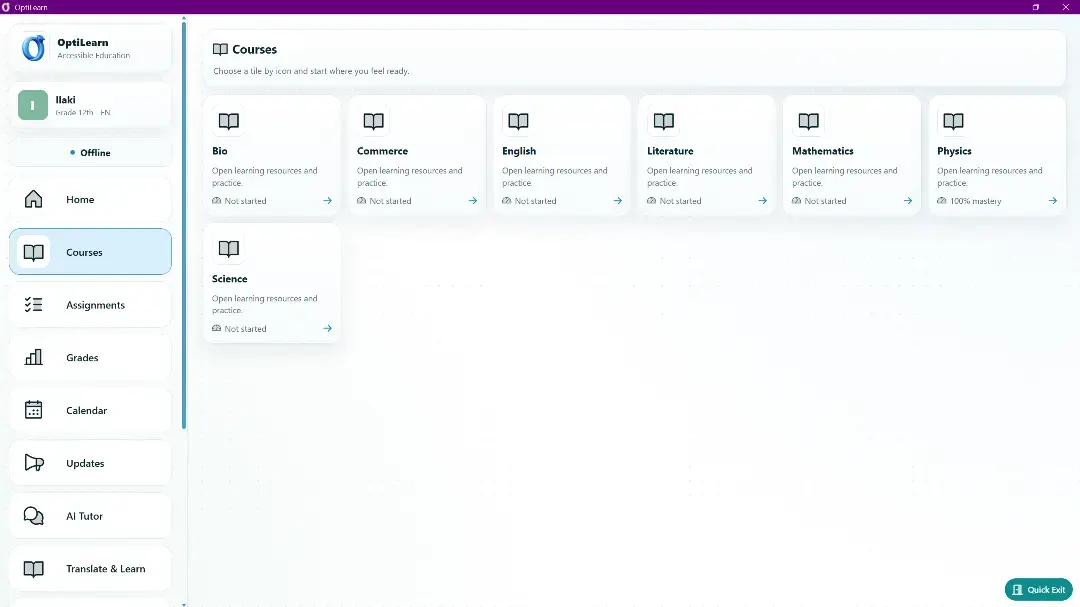
Free · Open Source · Offline-First · Gemma 4

Quality Education,
Offline, in Any
Language

One teacher laptop + one router = an AI-powered school for the whole classroom. No internet. No subscriptions. 100+ languages.

123M displaced people
49M children without school
<$200 per student target
123M people forcibly displaced globally
49M are children under 18
1:85 average camp pupil-to-teacher ratio
<$200 per-student OptiLearn hardware target

Standard edtech was not built for this.

At the end of 2024, 123 million people were forcibly displaced globally. Among them, 49 million were children under 18. For many, school is one of the few stable structures left.

In refugee-impacted schools in Uganda, learners spoke up to 51 different languages, two-thirds of observed lessons required more than one language, and nearly a third of teachers could not speak any home language used by their students.

Between 10% and 33% of displaced children show clinical signs of depression. Among unaccompanied youth, PTSD rates can reach 85%. These children are not failing school. School, as it was designed, is failing them.

51 languages documented in one refugee school district
85% of camp teachers may be unqualified volunteers
$1,051 average annual cost per refugee student
1:130 lower-grade classroom ratios in displacement settings

One laptop. One router. A school that works.

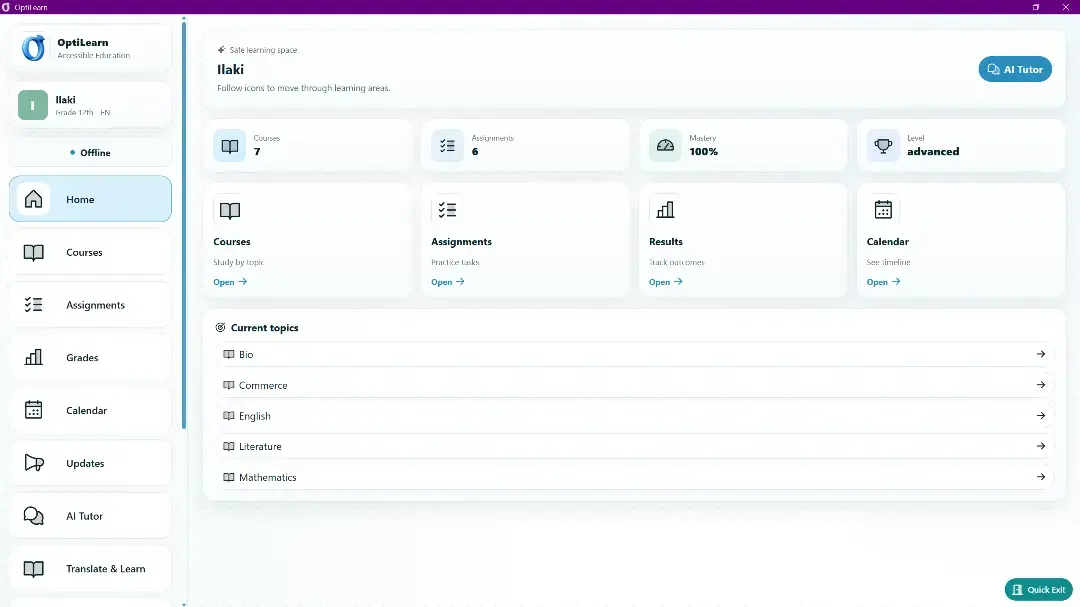
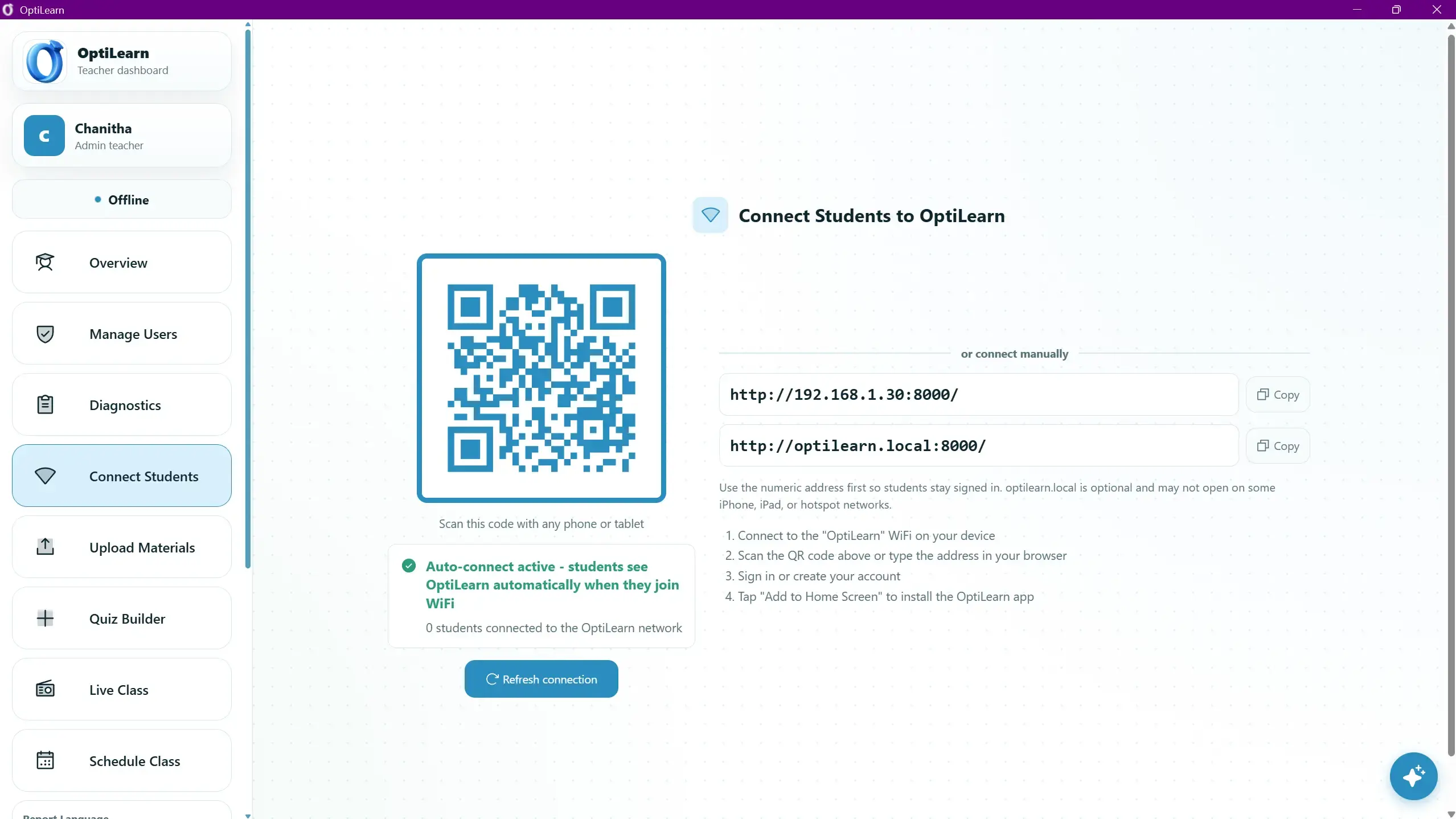
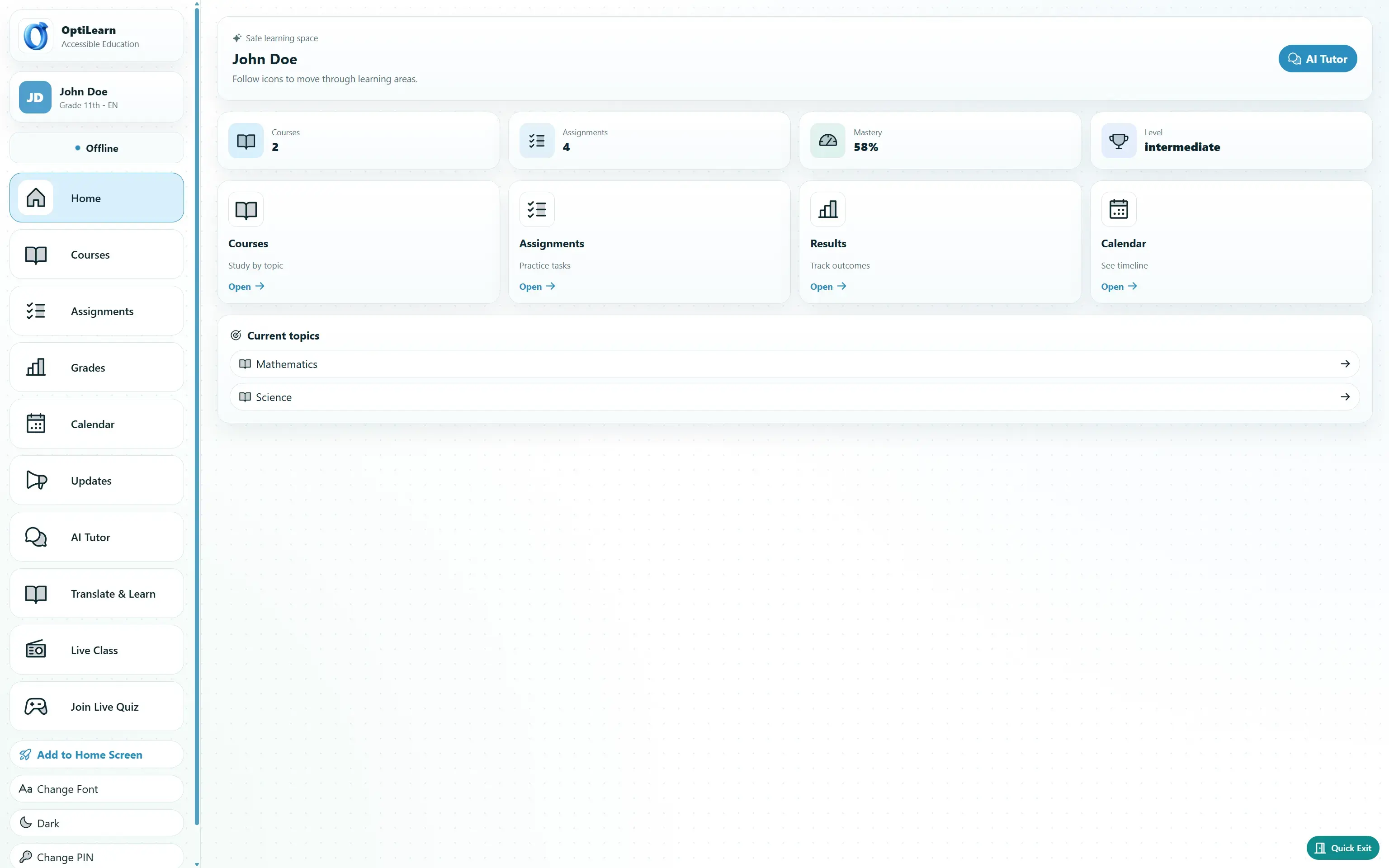
The teacher's laptop runs the server. Students connect from phones, tablets, or computers. Core AI learning features run locally with no internet required, while selected online tasks can use larger models when connectivity is available.

01

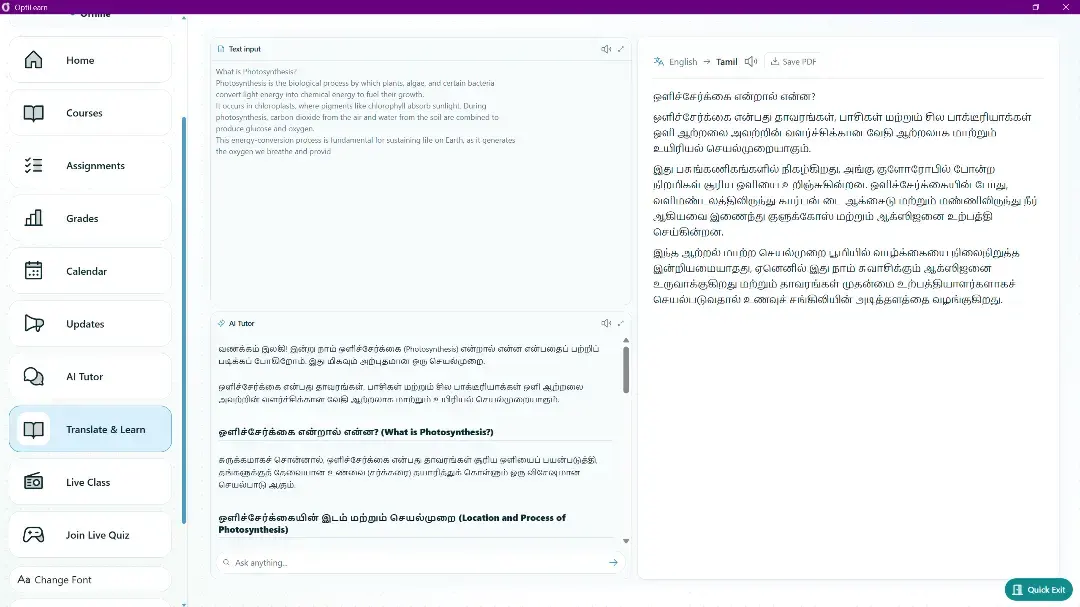
Translate and Learn

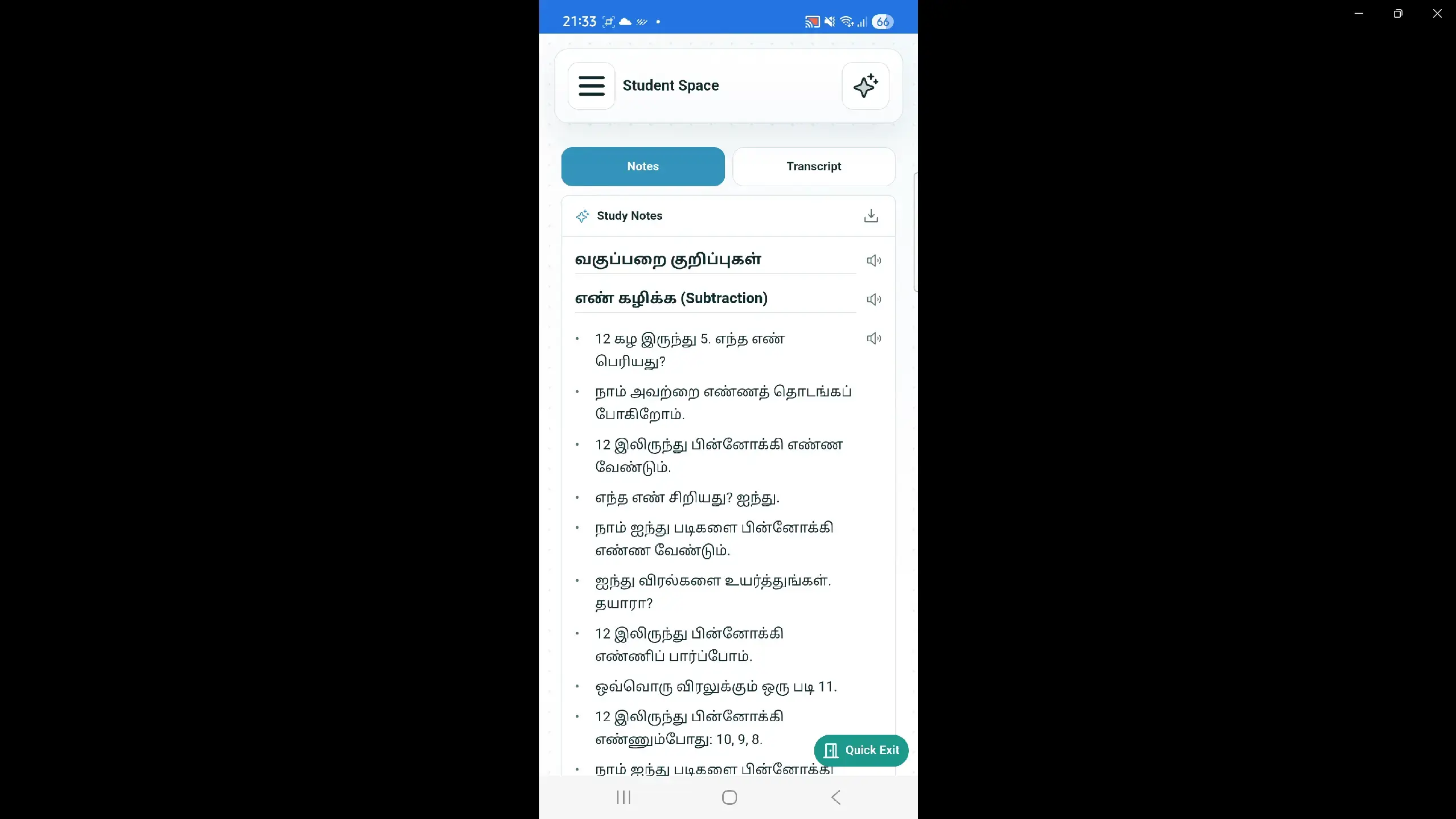
Students upload a textbook page, photograph, PDF, or pasted text. Gemma 4 creates a conceptual translation into the student's language, then supports learning with summaries, checking questions, and related topics.

02

AI Tutor

Every student gets a private tutor adapted to topic mastery. The tutor adjusts explanation depth, uses Socratic guidance, and communicates progress through calm, encouraging milestones.

03

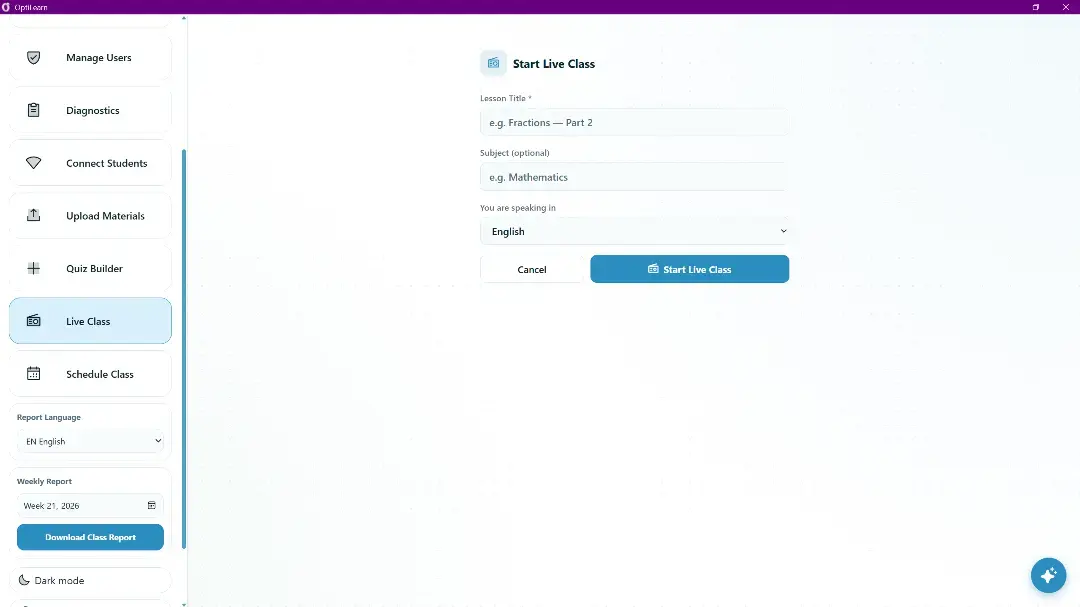
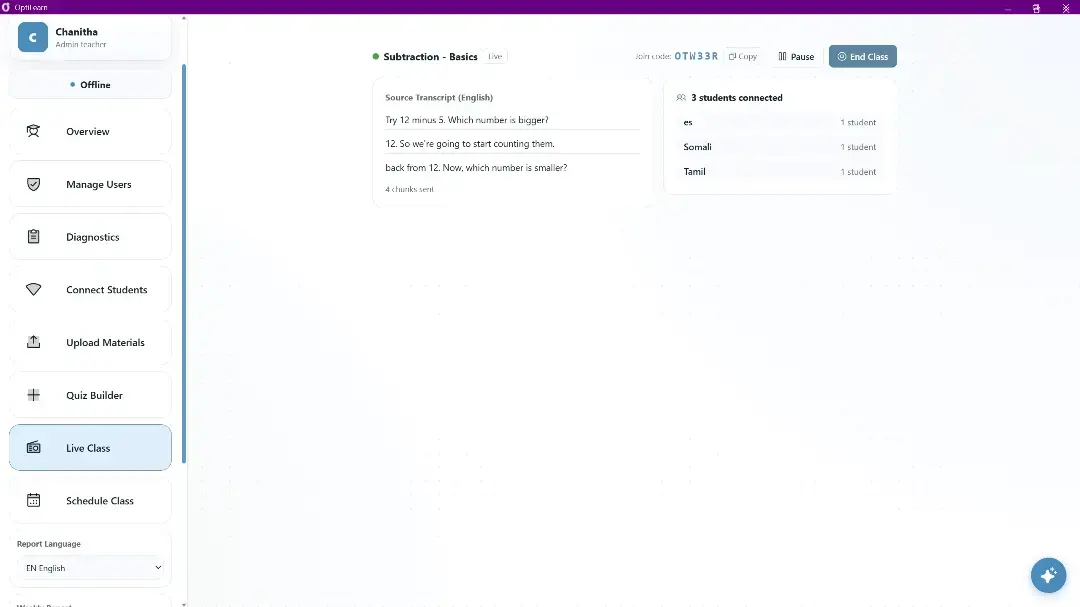
Live Class Translator

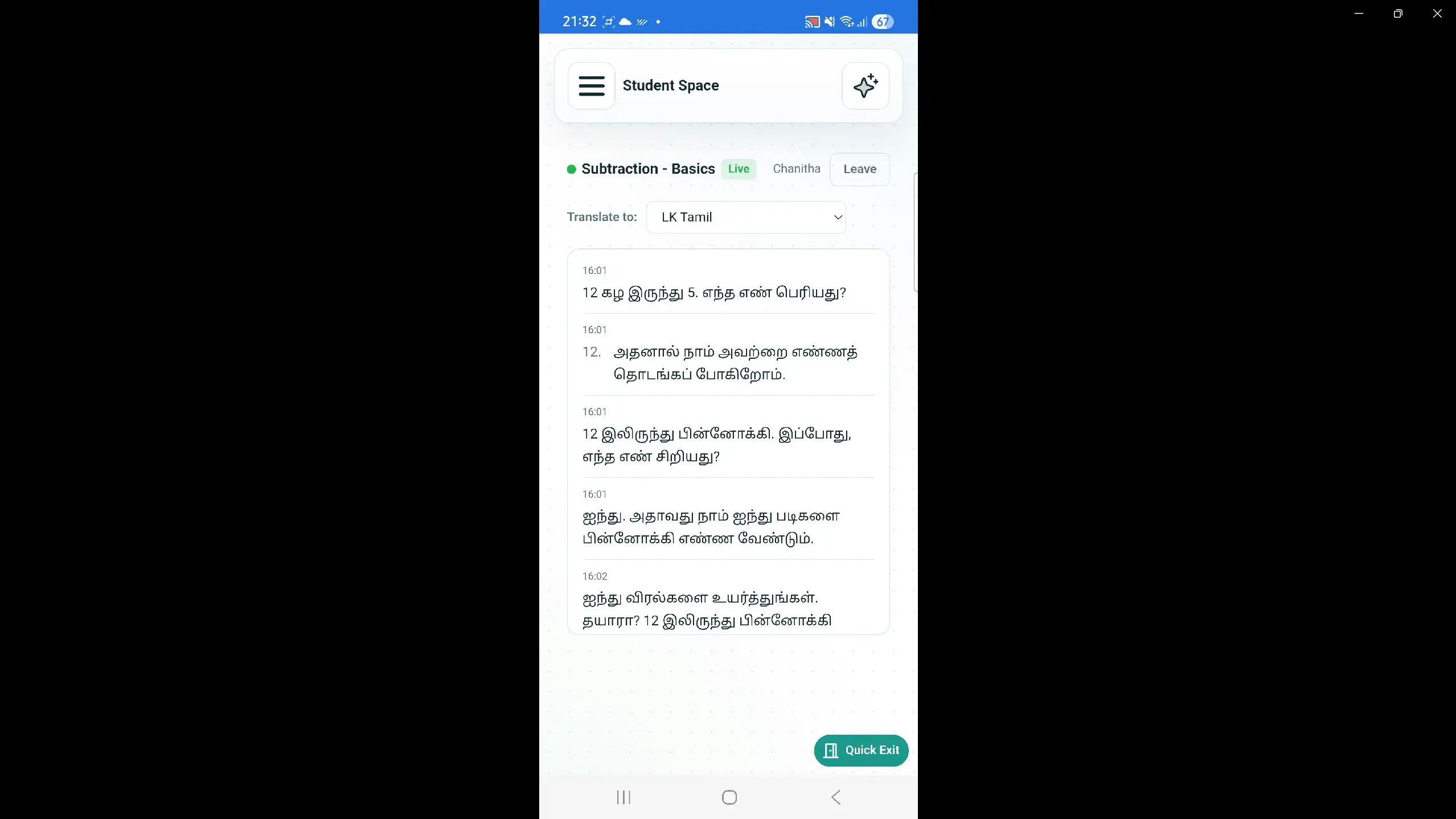
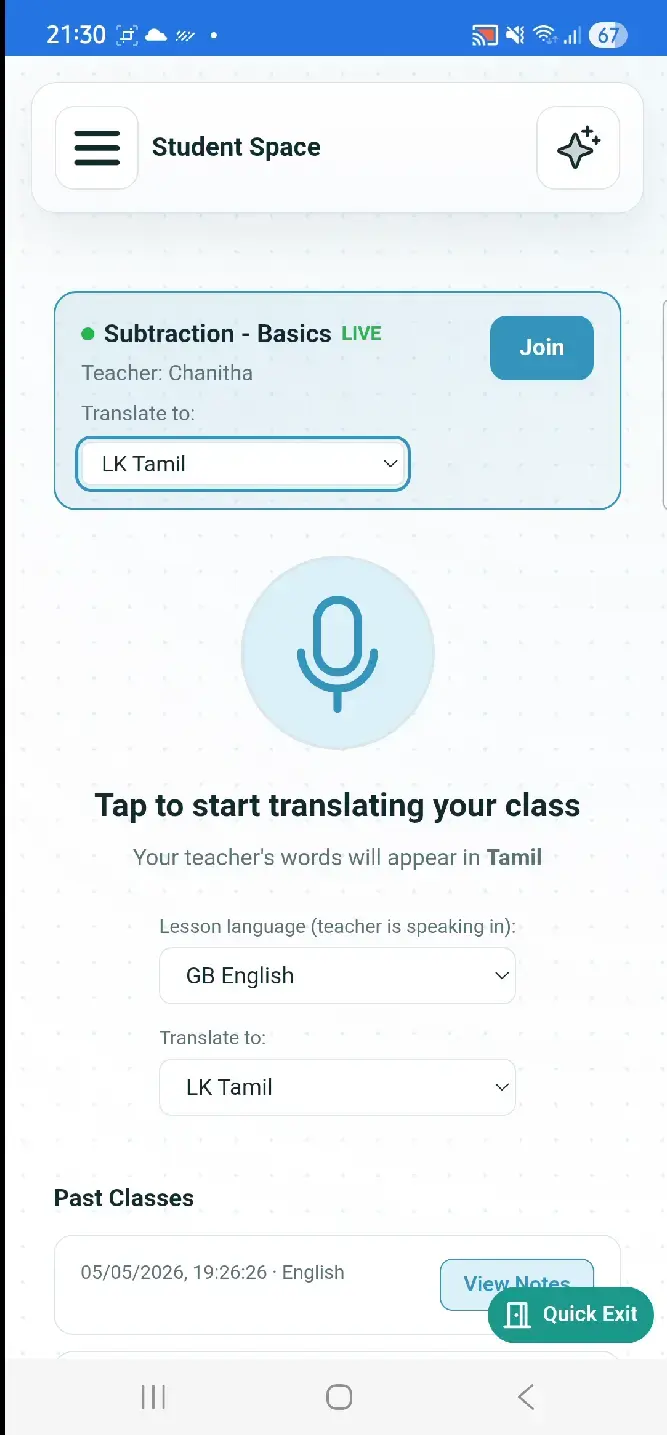
As the teacher speaks, OptiLearn transcribes and translates in real time. Students see the lesson in their chosen language, then receive structured notes after class.

Everything a school needs. Nothing a school needs to pay for.

Adaptive Learning

AI Tutor, mastery tracking, assignments, live quizzes, session history, and private progress reports.

Multilingual Access

Translate and Learn, live class translation, text-to-speech, offline Whisper speech recognition, and multilingual PDFs.

Teacher Operations

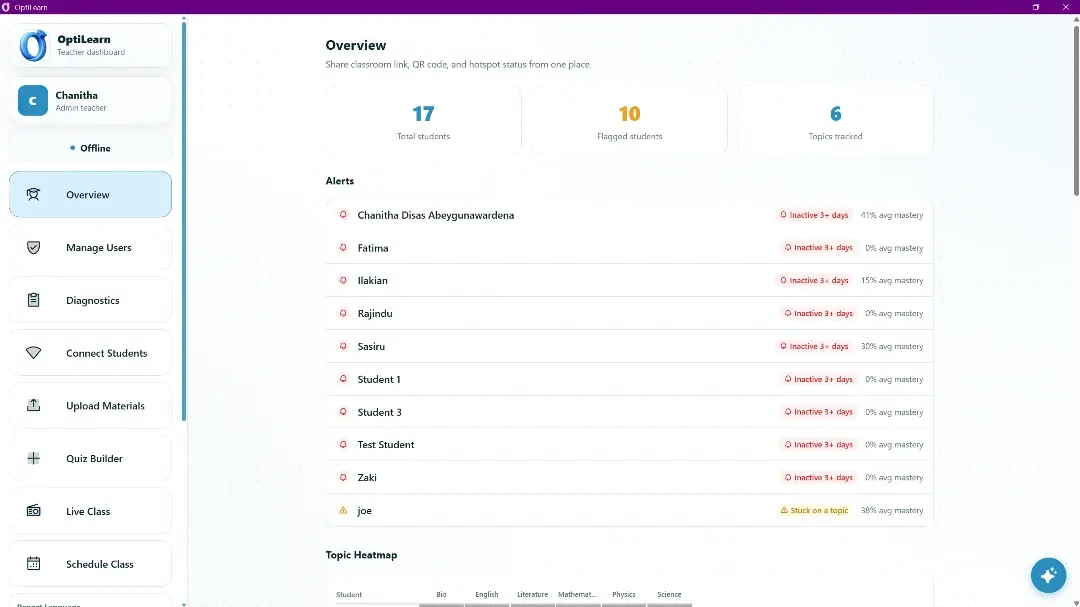
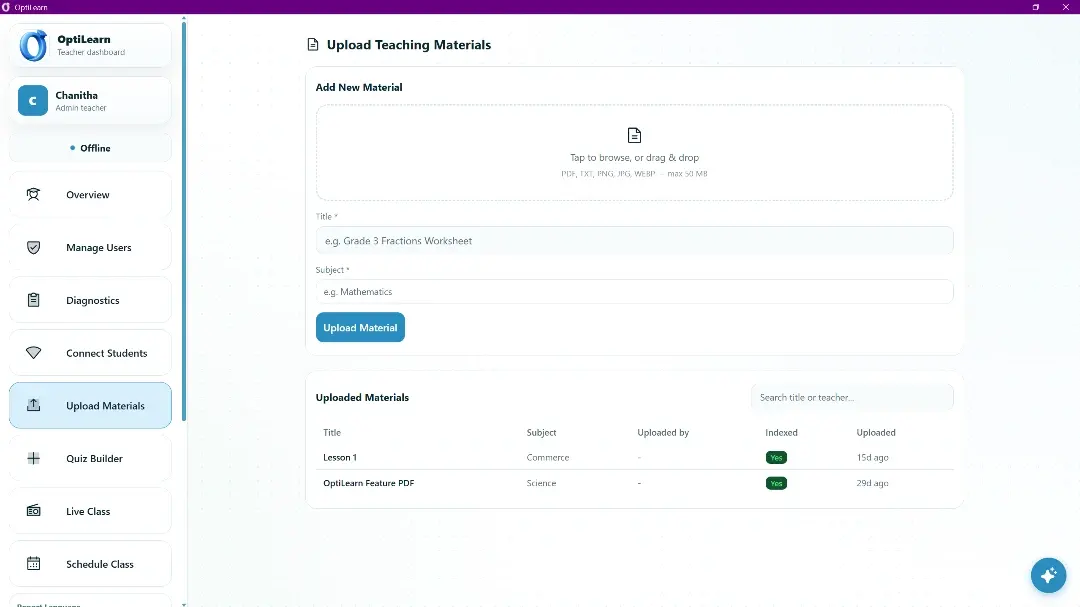
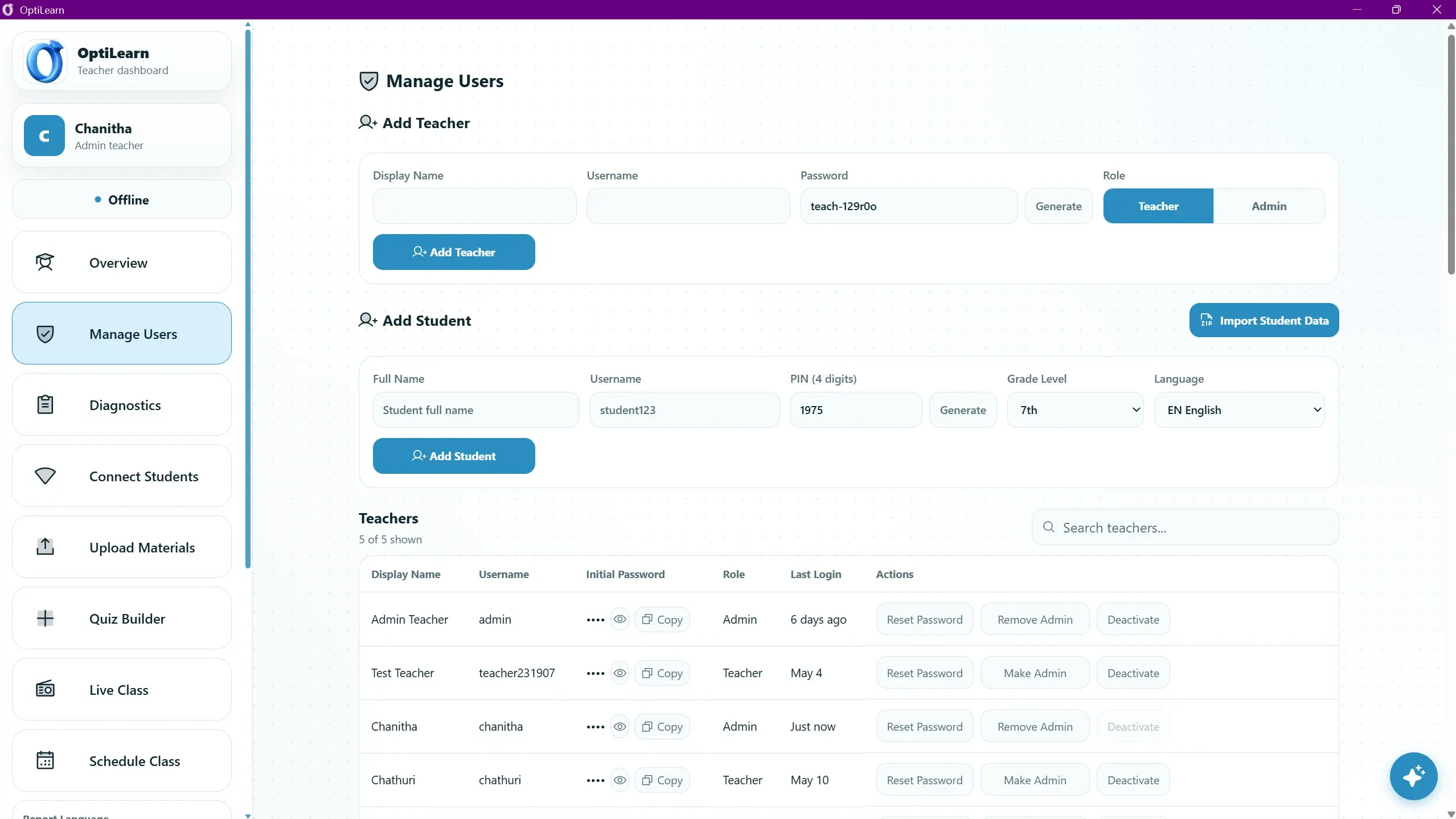
Teacher dashboard, AI assistant, roster management, materials upload, quiz builder, heatmaps, reports, alerts, and calendar.

Offline Network

LAN QR code, captive portal, mDNS, self-signed HTTPS, connected-client tracking, PWA install, and desktop launcher.

Safe Data Flows

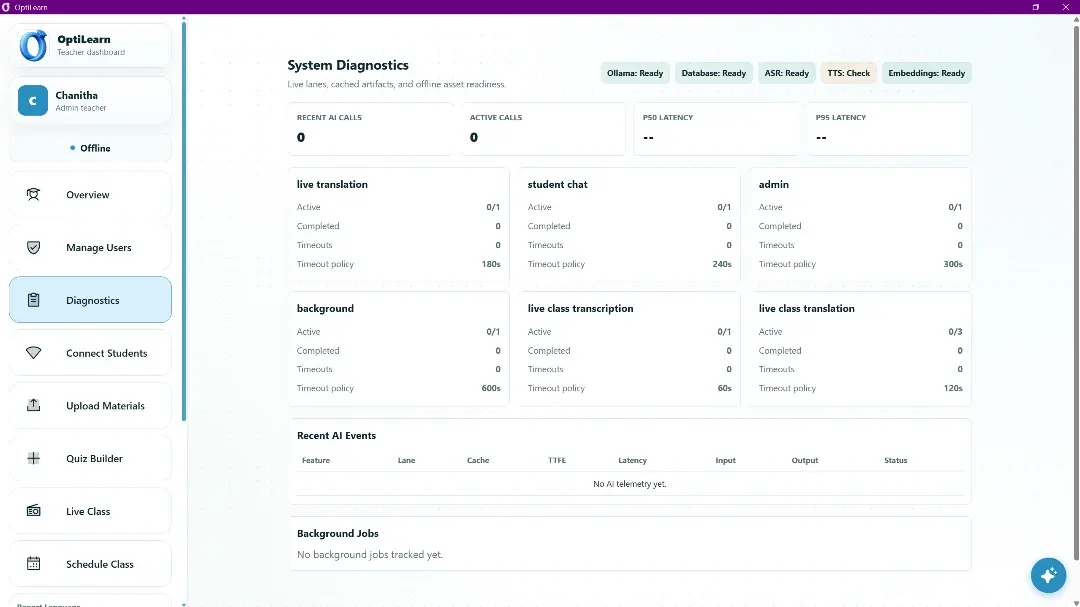
PIN-based student login, no email addresses, encrypted student export/import, local SQLite storage, and admin diagnostics.

Accessible UI

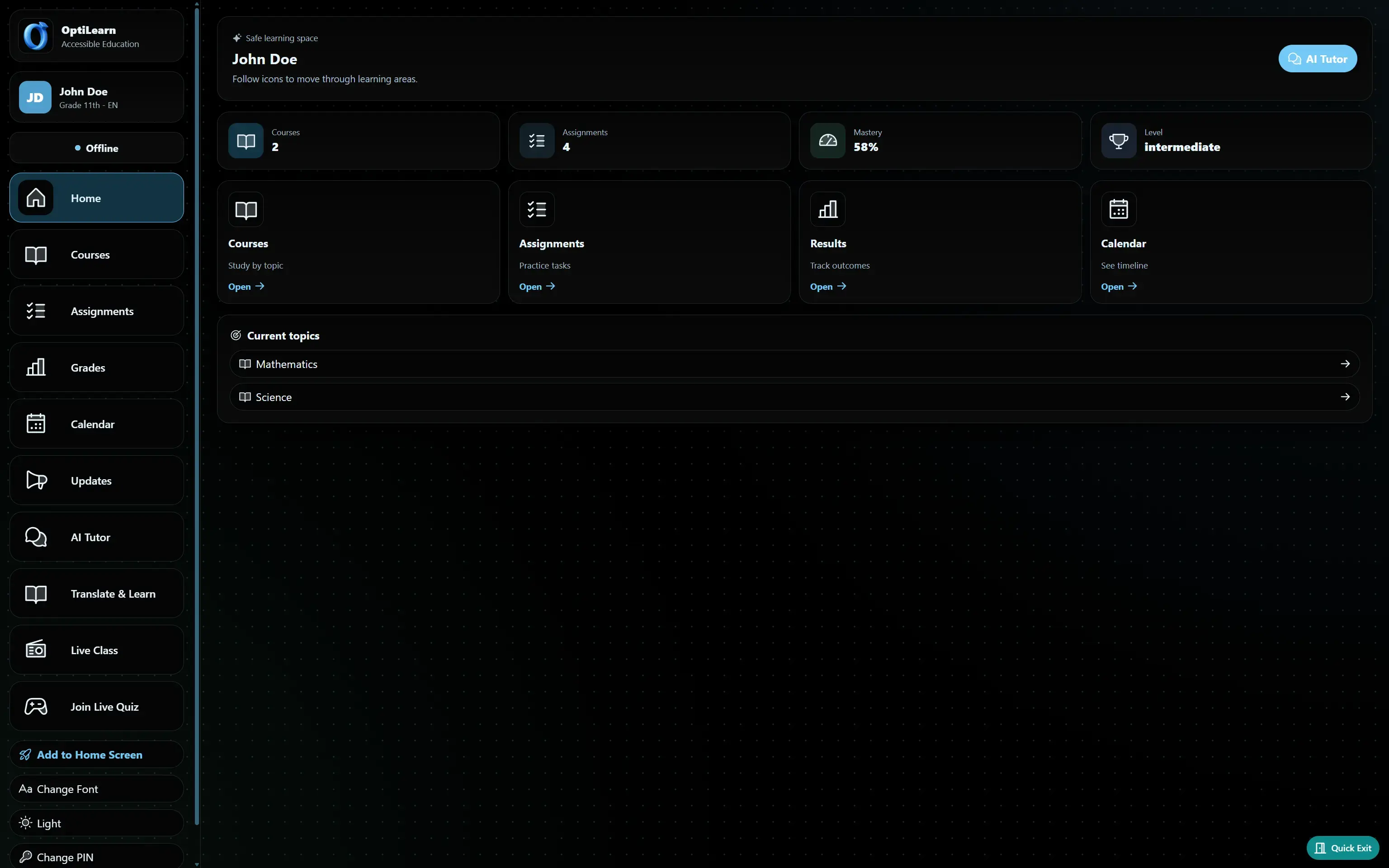
Trauma-aware language, no public rankings, larger text options, high-contrast modes, and dyslexia-friendly font support.

Courses and Curriculum Results Reports Upload Material Student Dashboard Admin Management Desktop App Progressive Web App PDF Download AI-Generated Class Notes Hybrid Online and Offline AI Future Avatar Tutor Master Language Toggle

Set up in minutes. Run for years.

  1. Install on the teacher's laptop

    Download OptiLearn and run setup. It installs dependencies, prepares the model, builds the curriculum index, and configures the server.

  2. Connect the classroom

    Use the laptop hotspot or a low-cost travel router. Students join the classroom WiFi and open the QR code link or optilearn.local.

  3. Students log in with a PIN

    Teachers create student accounts. Each student gets a PIN, enters it once, and stays signed in without email or cloud accounts.

  4. Learning begins

    Students open the tutor, translate material, join a live quiz, or follow the lesson in their language while the teacher watches progress.

  5. Everything is saved

    Session history, quiz results, progress data, translated notes, and reports stay on the teacher laptop and export with the student.

Serious engineering for serious constraints.

OptiLearn is not a wrapped chatbot. It is a production system built around unreliable hardware, multilingual input, low-literacy users, and zero tolerance for data loss.

The AI pipeline runs Gemma 4 E2B locally through Ollama. Route-specific prompts, retrieval, language validation, and output cleanup keep the release compatible with future fine-tuned models.

Curriculum retrieval uses FAISS with multilingual MiniLM-L12 sentence embeddings. Speech recognition uses offline Whisper, and text-to-speech uses local Piper and MMS routes where voices are available.

FastAPI, SQLite, React 18, Vite, Workbox, PyWebView, mDNS, captive DNS, and dynamic self-signed TLS make the system deployable on donated hardware without outside services.

Gemma 4 E2B Ollama Unsloth QLoRA FAISS Whisper ASR Piper + MMS TTS FastAPI SQLite React 18 + Vite PWA PyWebView mDNS + Captive Portal

Built for 250 million students who standard systems leave out.

Against a $1,051 refugee education baseline, OptiLearn targets under $200 per student using hardware already present in donation programs. It brings AI-supported multilingual learning to places where broadband, subscriptions, and cloud accounts are not realistic.

80%+ cost reduction 0 internet required for core features 1 laptop serves a classroom

Free. Forever. For Everyone.

OptiLearn is fully open source under the MIT license. NGOs, school systems, governments, and individual teachers can deploy it, modify it, and share it without cost or permission.

We do not charge. We do not collect data. We do not require accounts with us. The server runs in the classroom and data stays there.

Grounded in the evidence.

Every architectural decision traces back to documented conditions in refugee and displacement education: language diversity, teacher shortages, mental health needs, realistic hardware, and the economics of classroom deployment.

UNHCR Refugee Statistics (2024) British Council Uganda: Language Use in Refugee Settlements World Bank / UNHCR: Global Cost of Inclusive Refugee Education UNICEF Innocenti: Mental Health Among Displaced Children and Youth UNESCO GEM Report: Teachers Struggling to Cope with Refugee Trauma NRC Sudan Displacement Report (2026) USA for UNHCR: Climate and Displacement Theirworld: Thaki Offline Bilingual Computer Labs Computer Aid: Kakuma Digital Inclusion Report Close the Gap: Laptops for Refugee Camp in North Kenya